Scatter objects (grass, trees, rocks)
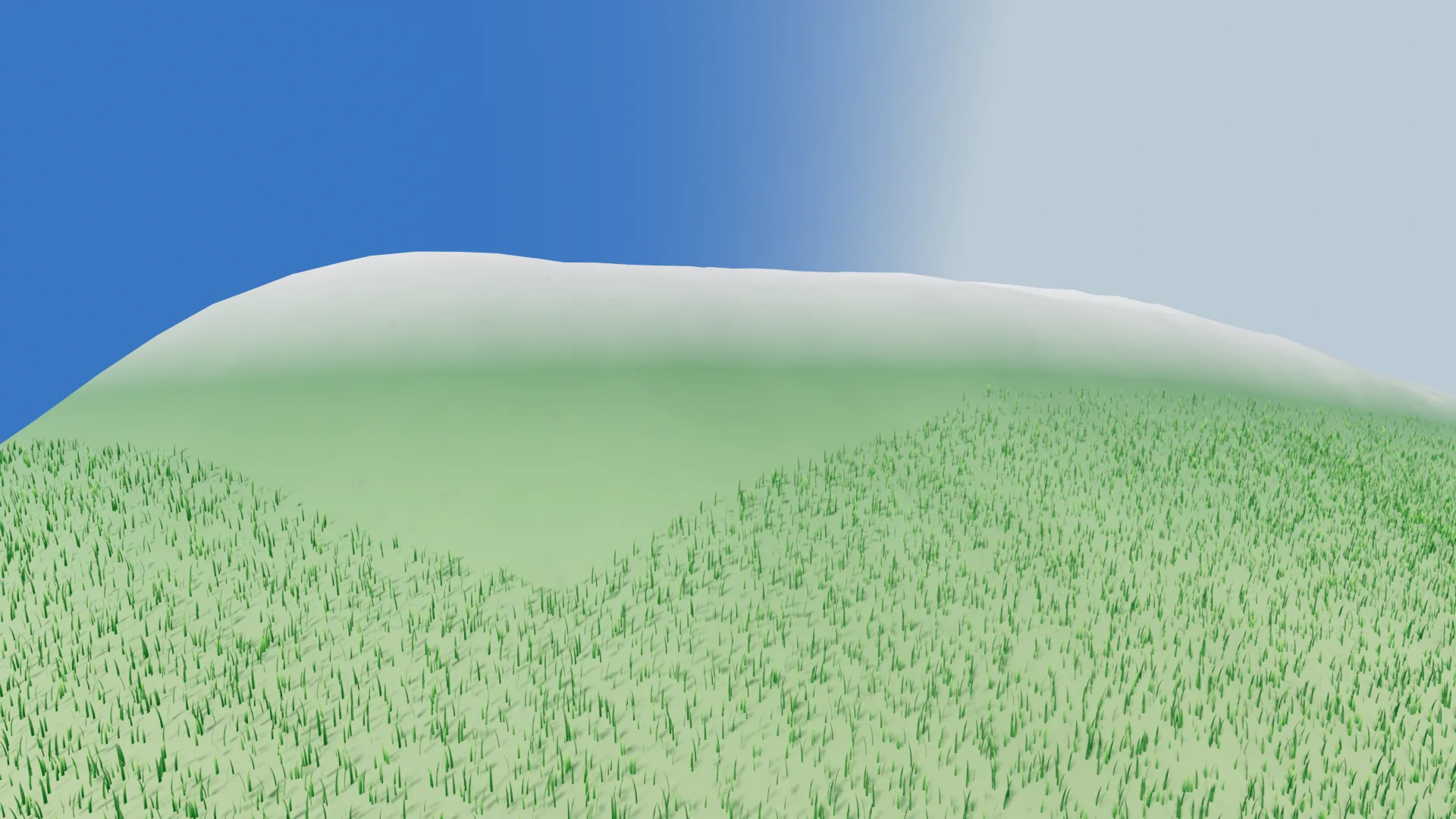
A scatter layer takes one mesh and spreads it over the planet's surface. The
Celestial node has a scatter_layers array; each entry is a
CesScatterLayer resource. Add a layer, give it a mesh, and it appears on the
terrain — placed, culled and drawn entirely on the GPU, with no readback and no
per-instance CPU work.
The two things worth knowing before you touch a slider:
- Instances are keyed to a stable world lattice, not to the terrain chunk
that happens to host them. A blade of grass is identified by
(face, lattice cell, index, seed), so when a chunk splits or merges as you walk toward it, nothing moves, re-rolls, or swims. Placement is reproducible from the seed alone. - A layer with no mesh is inactive. It renders nothing. That is the intended way to park a layer, and it means an empty layer array is not a bug.
Properties
| Property | Default | Range | What it does |
|---|---|---|---|
layer_name |
"" |
— | Display name. Mirrored into resource_name, so the inspector array shows "Grass" instead of "CesScatterLayer". |
enabled |
true |
— | LIVE on/off. A disabled layer keeps its GPU placement, so re-enabling is instant. |
mesh |
none | — | The instanced mesh. No mesh = inactive layer. |
density |
0.5 |
0–1 | LIVE. Fraction of lattice candidates actually drawn. |
scale |
1.0 |
0.01–100 | Base scale, on top of a ±20% per-instance jitter. |
min_height |
0.45 |
0–1 | LIVE. Lowest normalized terrain height this layer may appear on. |
max_height |
1.0 |
0–1 | LIVE. Highest. Lower it to keep vegetation off the peaks. |
lod_level |
9 |
0–20 | Fineness of the lattice — the density and reach knob (below). |
instances_per_cell |
4 |
1–64 | Candidates generated per lattice cell (K). |
max_instances |
100000 |
64–4,000,000 | Cap on the layer's MultiMesh. The compact pass clamps to it. |
seed |
0 |
— | Placement seed. Same seed + same lattice = same transforms. |
lod_level: density and view distance are the same knob
lod_level sets how finely the world lattice is subdivided. Raise it and the
cells get smaller, so you get more instances, packed closer together — but a
fine lattice only fits on terrain chunks that are themselves fine enough to hold
it, so the layer stops appearing on distant, coarse terrain. Lower it and the
lattice gets coarse: fewer, more spread-out instances, visible from much
further away.
In practice: raise lod_level for dense close-up grass, lower it for sparse
vegetation you want to see from a distance. Trees want a lower lod_level than
grass. Use instances_per_cell to thicken a layer without changing its reach,
and density to thin it out live.
The rule underneath is that a layer only appears on terrain chunks at depth
>= lod_level - 3, which gives a view distance of roughly:
where face_edge, chunk_res and screen_error come from the planet. If a
layer refuses to show up at all, lod_level is too high for the terrain detail
the planet is currently selecting — lower it, or lower the planet's
screen_error.
Height gates
min_height / max_height gate on normalized terrain height, 0–1 — the same
scale as the builder's water_height.
Set min_height yourself, or your grass grows underwater
min_height defaults to 0.45, which is below the default sea level of
0.549 — a layer left at the default will place instances on the seabed. Set
it at or just above your builder's water_height for a clean shoreline. The
committed example scene uses 0.55 for grass and 0.57 for the oaks. Drop it
to 0.0 only if you actually want seabed scatter.
Use max_height the same way at the top end to keep vegetation off the peaks —
the example scene caps grass at 0.7 and the oaks at 0.67.
Which edits are cheap
| Edit | Cost |
|---|---|
enabled, density, min_height, max_height |
Live. Only the compact dispatch re-runs — no re-placement, no bake, no cache invalidation. Safe to drive from a UI slider. |
lod_level, seed, scale |
Re-places every resident chunk (GPU-only, but every chunk). |
Adding/removing a layer, instances_per_cell, max_instances |
Rebuilds the GPU job. |
Grass
Assign the committed blade mesh:
var grass := CesScatterLayer.new()
grass.layer_name = "Grass"
grass.mesh = load("res://addons/celestialsim/grass_blade.tres")
grass.lod_level = 6
grass.instances_per_cell = 64
grass.density = 1.0
grass.min_height = 0.55       # at/above the builder's water_height (0.549)
grass.max_height = 0.7        # a grassy band, not on the peaks
grass.scale = 0.95
$Celestial.scatter_layers.append(grass)
CesScatterLayer.make_grass_blade_mesh() is the static function that generated
that .tres, if you'd rather build it at runtime or use it as a starting point.
For variety, add a second grass layer with a different mesh, scale, and — this
is the important part — a different seed, so the two lattices don't land on
top of each other.
Trees (and any multi-material object)
A tree is usually two meshes — branches and leaves — because it needs two
materials. Bring your own (any Mesh works) and give the two layers the same
lod_level, the same seed, and the same instances_per_cell. They then share
one lattice, so the branches and the leaves are placed on exactly the same
transforms: one tree, two meshes, two materials.
No tree meshes ship with the addon
CelestialSim ships exactly one mesh, the grass blade. The oak below is the
example from this repository's own scenes (assets/trees/) — point the mesh
at whatever tree you have.
for part in ["branches", "leaves"]:
    var layer := CesScatterLayer.new()
    layer.layer_name = "Oak %s" % part
    layer.mesh = load("res://assets/trees/oak_medium_%s.res" % part)  # your mesh
    layer.lod_level = 4           # coarse lattice: sparse, visible from far
    layer.instances_per_cell = 2
    layer.seed = 11               # SAME seed + lattice ⇒ same transforms
    layer.scale = 0.5
    layer.min_height = 0.57
    layer.max_height = 0.67
    $Celestial.scatter_layers.append(layer)
Anything that would be one object with several materials — a rock with moss, a tree with a billboarded canopy — is built this way.
Notes and limits
- The mesh's material is whatever you put on it; scatter does not supply one. Grass usually wants a double-sided, vertex-colour material (the shipped blade has one).
max_instancesis a hard cap on what a layer can draw. If a layer visibly thins out when you look across a valley, you are hitting it — raise it, lowerinstances_per_cell, or lowerdensity.- Placement reads the terrain height the GPU already baked, so scatter follows a
custom builder's terrain automatically. It does not read your builder's
color, so it can't (yet) mask by biome. - There is no collision. Scatter instances are drawn geometry only.